
Hider
AvailableImage Pixel Scrambler
Scrambles images pixel by pixel with a password - without it, meaningless noise. No account, no cloud, no internet.
Screenshots
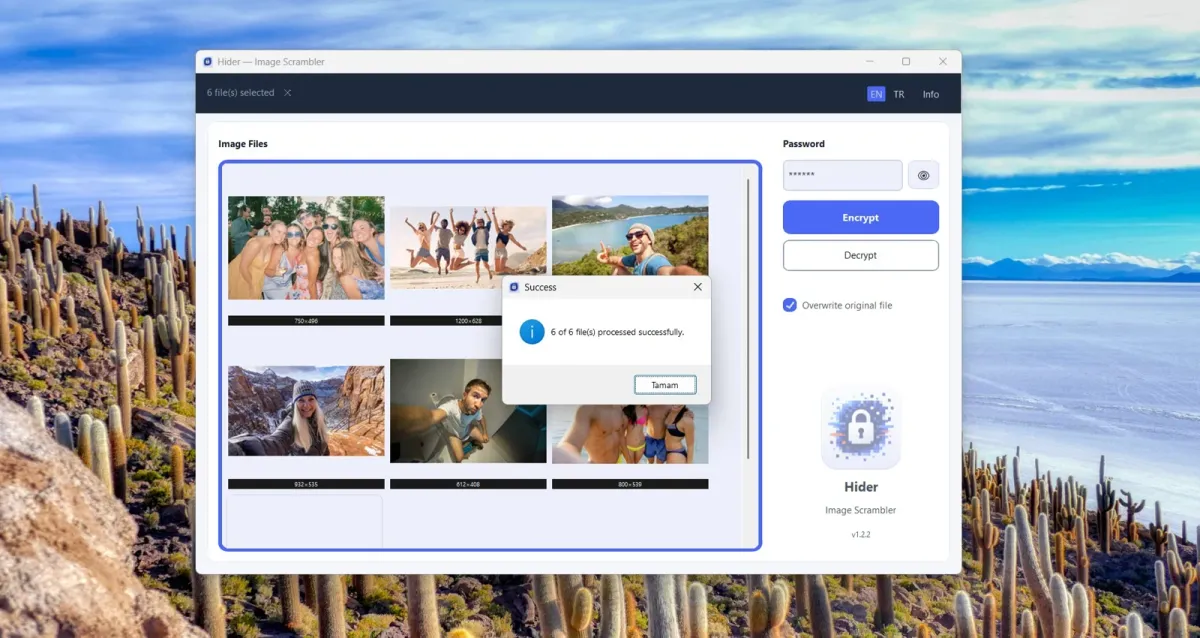
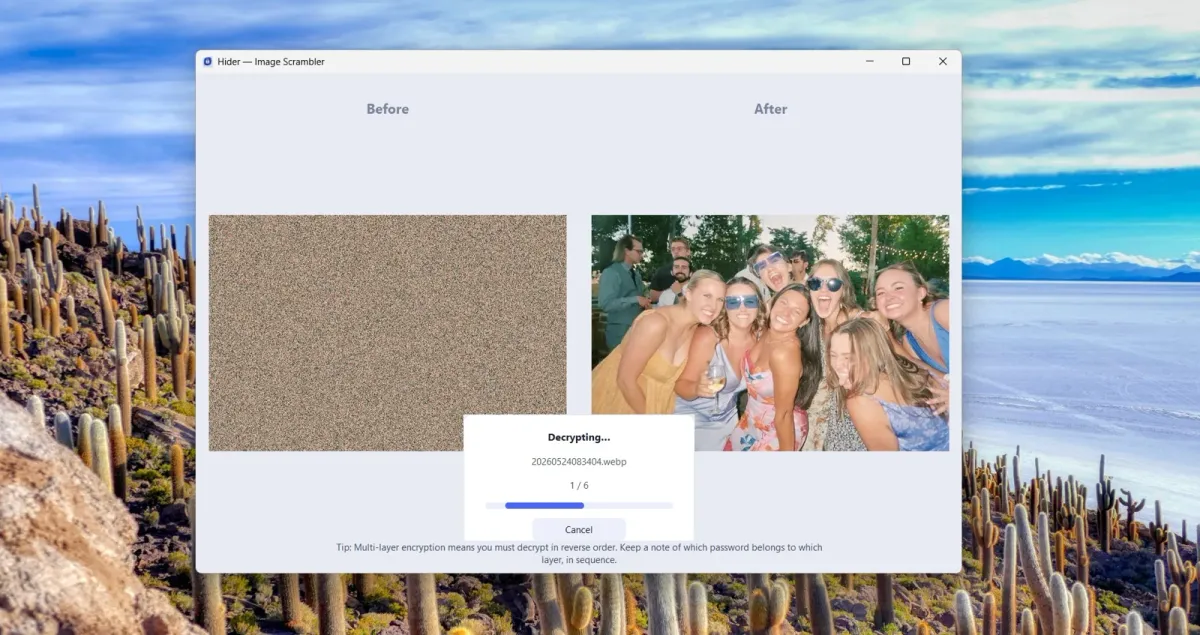
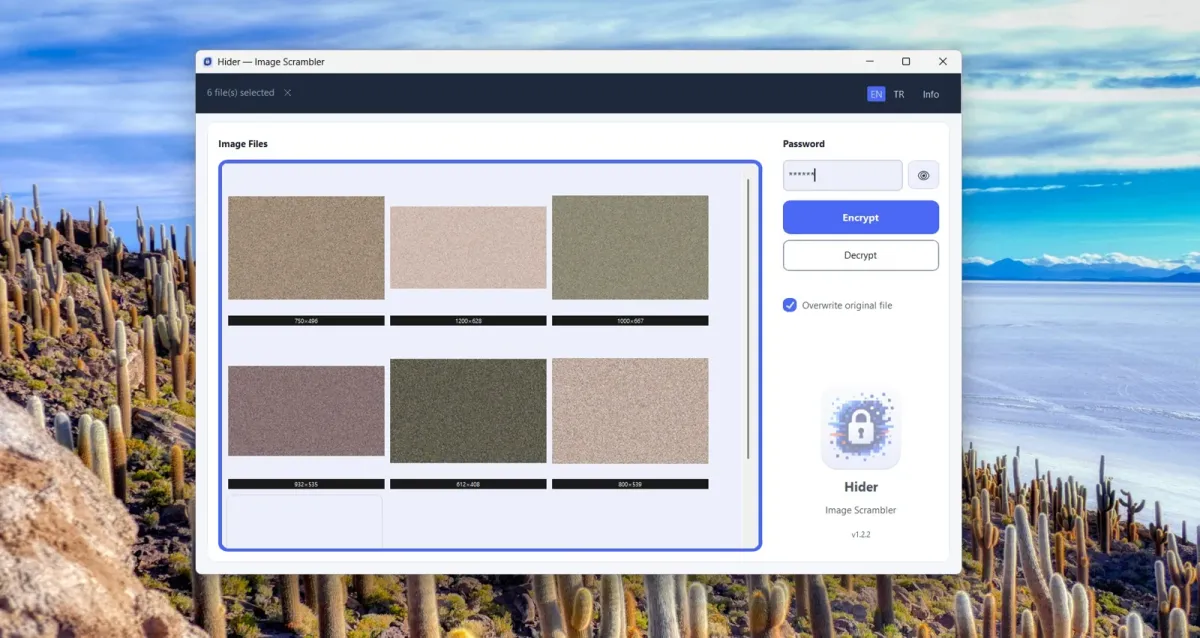
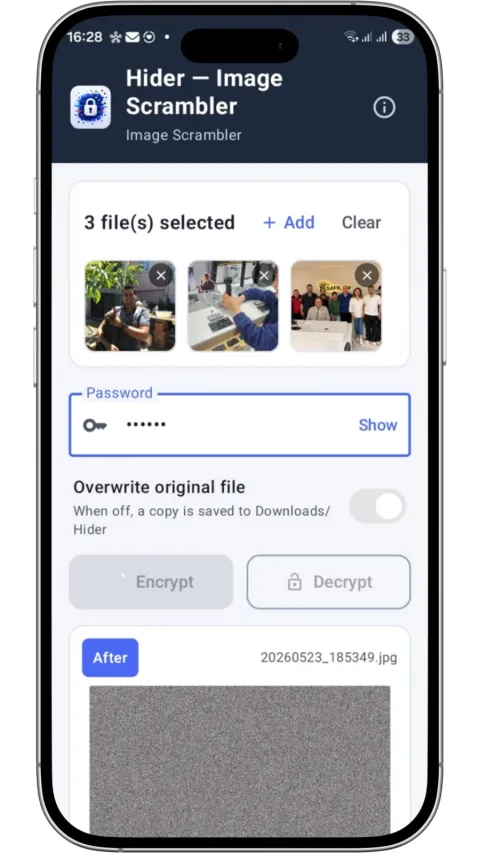
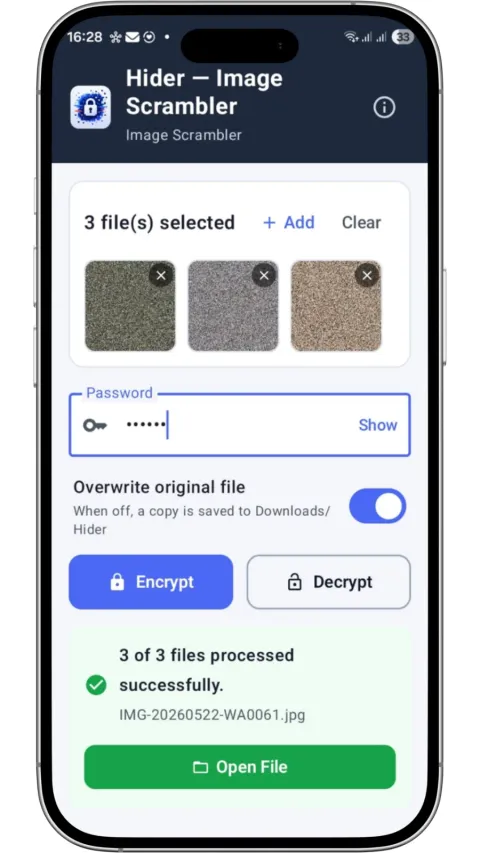
Uploading sensitive images to the cloud to encrypt them recreates the very risk you wanted to avoid. Hider sends the image nowhere: it scrambles the pixels on your device, in an order derived from your password. The program contains no networking code at all.
The method is built on SHA-256: the password is hashed, and the scramble order is derived from that hash. A wrong password raises no error; it simply produces a different scramble. The same image can be scrambled again and again with different passwords; decrypting goes in reverse order.
Multiple images are processed in a batch by drag and drop (all with the same password). You can overwrite the original or save a copy. PNG and WEBP keep their format; JPEG is saved as PNG so nothing is lost. If the image’s pixel size changes, it can never be decrypted again; the app explains this up front.
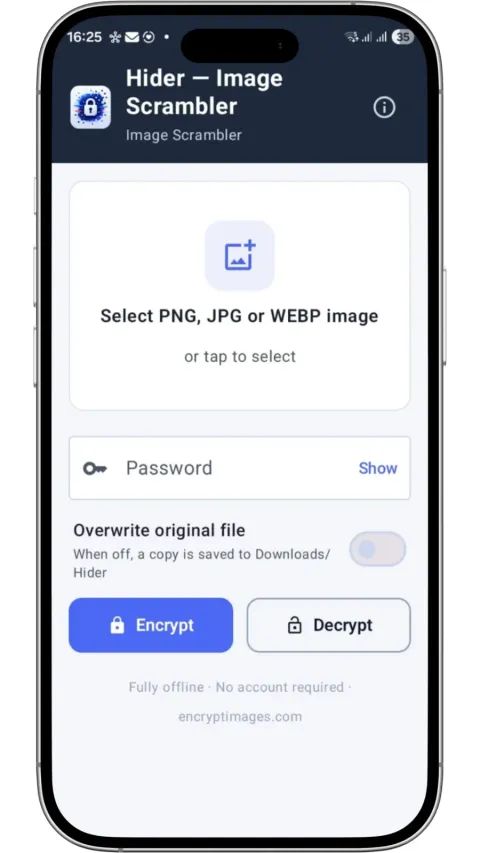
The Windows and Android editions use the same method; the product page is at encryptimages.com.
Highlights
- SHA-256 based, password-driven pixel scrambling
- Fully offline - no networking code, no telemetry
- Drag-and-drop batch processing: PNG, JPEG, WEBP
- Overwrite the original or save a copy
- Unlimited layers with different passwords
- Windows and Android editions